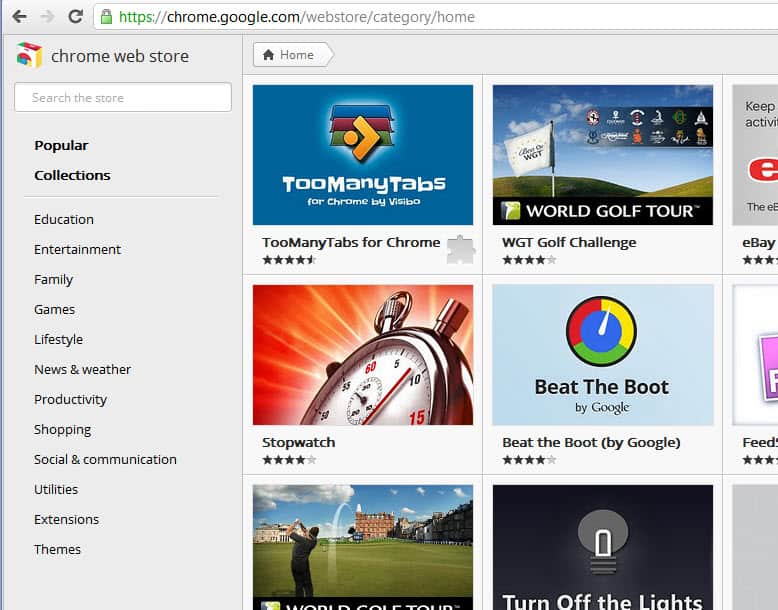
If you have visited the Google Chrome Web Store today you may have noticed that Google redesigned the store completely. The layout of the page has been streamlined into a minimalistic listing of apps, extensions and themes.
The page has three core elements. First the sidebar menu linking to application categories and extensions and themes for the Chrome web browser, then the main area with big thumbnail images and little information about each application, theme or extension and then the search to find specific items in the store.
Some categories use a different display. The family category for instance uses small icons instead of thumbnails so that more applications fit on a single page.
Each application or extension listed is displayed with its name and either a rating or the number of users. It feels rather strange that some applications show ratings while others show the user count instead. When you move the mouse cursor over a thumbnail you will see a short description and a button to add it directly to the Chrome browser.
A click on an application opens the application’s page in an overlay on the same page. the page includes an overview, both ratings and user counts, details, reviews and thumbnails.
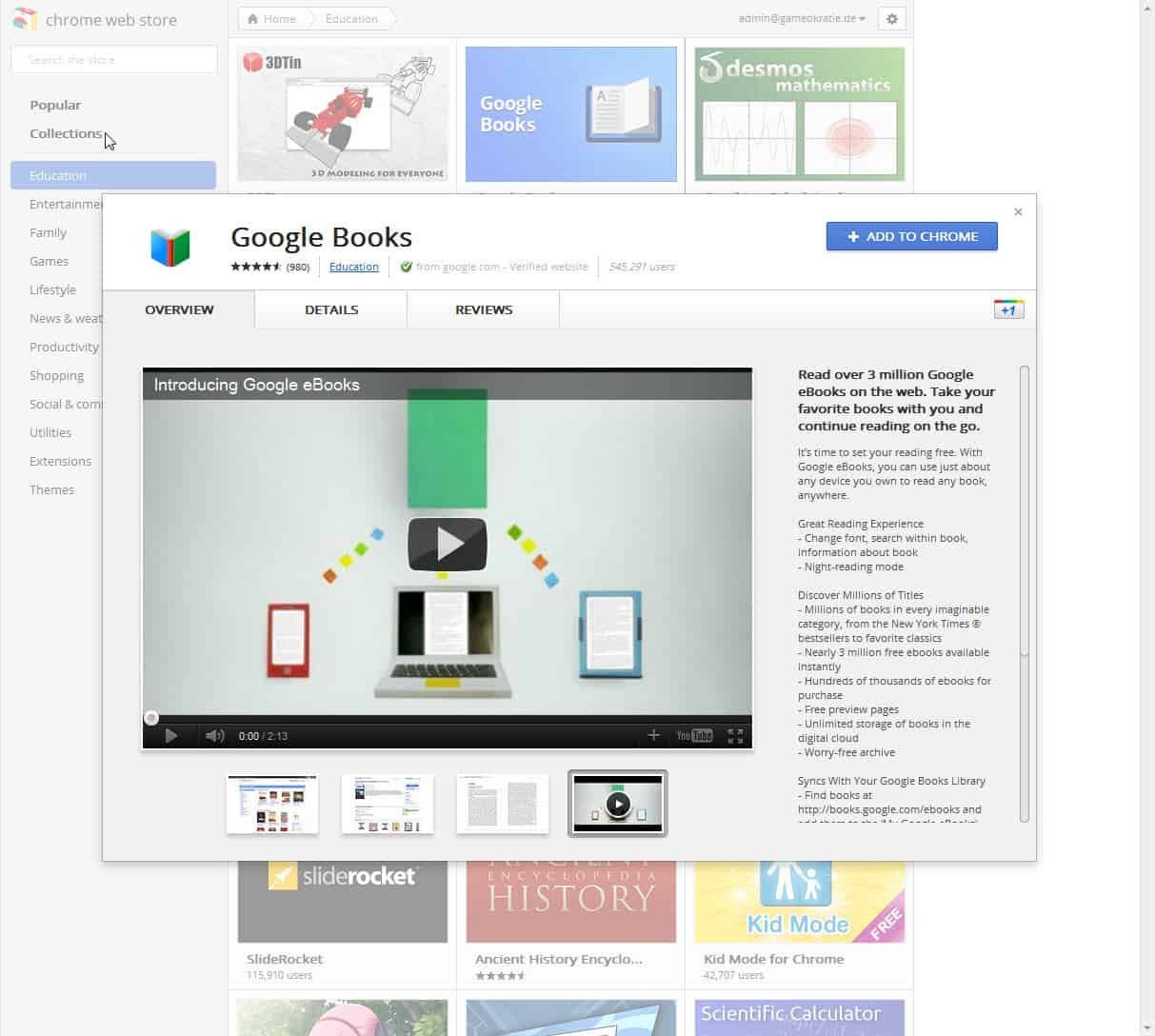
Reviews have been moved to their own tab in the overlay so that it takes additional clicks to access those when compared to the previous layout of the Chrome web store.
The listing pages load additional apps and extensions automatically when the user scrolls down, eliminating the need to switch pages manually.
Extensions and themes are the only two categories with sub-listings. It does not seem to be possible anymore to sort the extensions or apps by popularity, last update or other metrics which limits the usability of the listing tremendously. It is for instance no longer possible to identify new extensions in the store.
The new Chrome Web Store layout and design looks as if it was optimized for touch based devices. You find big thumbnail images in most categories that are easy to tap on. Desktop users will miss sorting options as well as options to change the display of the listings.
Have you been to the new Chrome Web Store yet? If so, what do you think of it? (thanks Vineeth)
© Martin Brinkmann for gHacks Technology News | Latest Tech News, Software And Tutorials, 2011. | Permalink |
Add to del.icio.us, digg, facebook, reddit, twitter
Post tags: chrome apps, chrome extensions, chrome web store, Google, google chrome