Pages

Showing posts with label itunes. Show all posts

Thursday, November 17, 2011

Google Music In A Nutshell

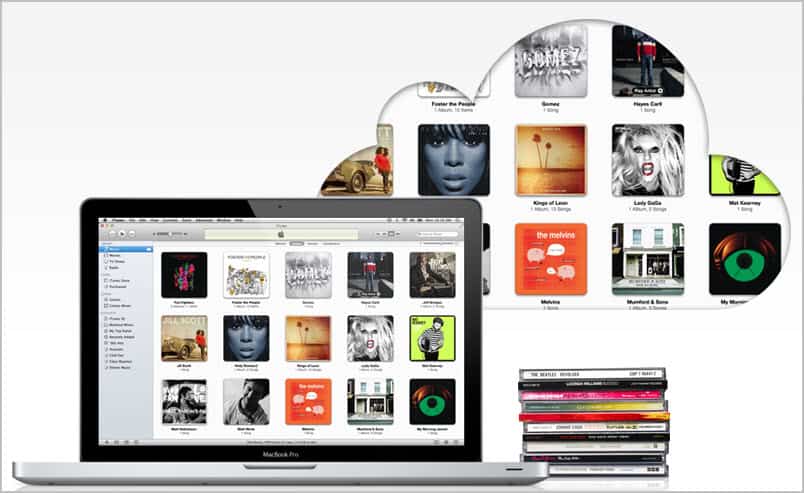
Music in the cloud, that’s where the journey goes. At least if you trust Apple, Amazon and Google in this regard. All three companies have introduced a cloud hosting and streaming service for music in past months. You can get an overview of the core services here. Apple recently has added iTunes Match to iCloud which gives users 25,000 songs storage space for $25 per year. The service tries to match the user’s music with music available in the iTunes store to reduce the upload time.

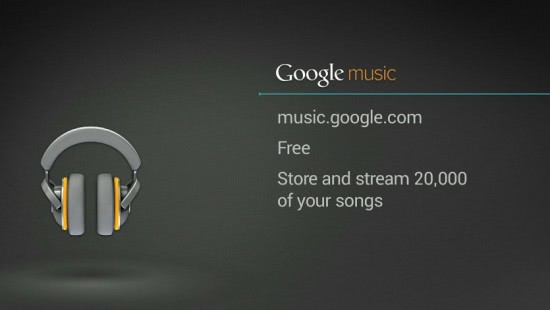
And now Google Music with its big announcement on November 16. Google Music gets rid of the beta status and remains a free service for all users (from the United States, and those who know how to use a proxy). Users can store up to 20,000 songs on Google servers.
google music

The Google Music store offers a library of 13 million songs which can be purchased on the Android Market. Songs cost 99 cent and are provided in 320 Kbit quality. Users can download songs or stream them to other devices. Google Music users who make purchases can share their purchases on Google+. This allows others to listen to the song once on Google’s social networking platform.

Payments are currently limited to T-Mobile US customers which benefit from carrier billing support. This basically means that Google Music purchases will appear on the monthly cellphone bill which improves the buying experience significantly. T-Mobile customers will get exclusive contents for free until the end of the year as part of the promotion to establish the service in the United States.

Artists can create their own space on Google Music where they can sell their music directly. The initial fee to setup an artist page is $25 US Dollars. It is likely – but not confirmed – that artists will have to share their earnings with Google.

When you look at both Google Music and iTunes Match, you will notice that they are both US-only at this point in time. Google Music is even more limited as the store is currently only available to T-Mobile USA customers.

What’s your take on the recent development? If you are living in the US, will you be using one of the services?


© Martin Brinkmann for gHacks Technology News | Latest Tech News, Software And Tutorials, 2011. | Permalink |
Add to del.icio.us, digg, facebook, reddit, twitter
Post tags: , , , ,


Monday, November 14, 2011

iTunes Match, US Only Cloud Synchronization Service

ITunes Match, Apples cloud based synchronization service has just launched. Before you read on, here are the facts. The iTunes Match service is only available in the United States, requires iTunes 10.5.1 or newer and costs $24.95 per year. What do you get for that?

The service has been designed to match a user’s music library with the cloud. You basically point iTunes Match to your local music collection to start the process. Unlike other music synchronization services, iTunes Match tries to identify songs in Apple’s vast library of songs. Songs that match are added from the store which reduces the number of songs that need to be transferred. Any song in the store becomes available automatically, only unknown songs, e.g. free music, mixes or indie artists are uploaded from the user’s computer to make them available on iCloud as well.

itunes match

Music in the cloud can then be streamed to compatible devices and stored on devices as well in 256 Kbps quality (free of digital rights management drm).

There service offers two interesting features. First the ability to match music to reduce the upload bandwidth and second the ability to download and stream 256 Kbps songs even if the original song was of lower quality. The latter is only true if iTunes was able to match the song.

About the matching feature. Apple does not check if a song of a music collection has been bought, ripped from CD or Internet radio or acquired from P2P networks. That’s great but it does not mean that you can legalize your music collection with an iTunes Match account.

The iTunes Match service has a 25,000 song limitation currently. It is not clear if Apple will raise the limit in the future or offer upgrades to the service to increase the amount of songs that can be hosted in the cloud.

In comparison, Google Music offers space for 20,000 songs (but without payment currently).

Will you be using iTunes Match? Users from outside the US, are you interested in a guide on how to get the service without being in the US?


© Martin Brinkmann for gHacks Technology News | Latest Tech News, Software And Tutorials, 2011. | Permalink |
Add to del.icio.us, digg, facebook, reddit, twitter
Post tags: , , , ,


Wednesday, November 9, 2011

How To Use YouTube To Increase Your iTunes Song Collection

The Internet offers many different options for users to increase their song collection. Among the options are to record Internet radio with tools like Streamwriter or Stream Harvester, or to download and convert Youtube videos to do the same. This guide explains how you can increase your iTunes song collection, or your song collection in general, with the help of YouTube.

For that we need to look at two things. First we need to download and convert YouTube videos and then add them to the song collection. There are lots of options to download YouTube videos, but in this guide I will concentrate on methods that make it as easy as possible.

First option is the web based service Youtube to Mp3. It is one of the easiest to use if you only want to download and convert a handful of YouTube music videos to mp3 to add them to your iTunes music collection.

youtube mp3

All that needs to be done is to paste a YouTube video url into the form on the site. A click on the convert video button displays information about the video and an option to download the mp3.

Add-ons are available for Firefox and Google Chrome that display the download mp3 link next to YouTube videos directly making the process more comfortable.

The second option is a desktop program for Windows that can mass download YouTube videos and convert them to mp3 locally. Download and install Free FLV Converter from the developer website over at Koyotesoft. Make sure you pay attention to the installation dialog if you do not want a new search provider or search page in your default web browser.

Once installed enter a search term on the Search Video page and click on Search. This displays a list of YouTube video matches. Before you now start to download videos switch to the TubeQueue tab and select Audio only as the output format. This automatically converts downloaded videos to mp3 so that it is not necessary to convert the files manually. You can configure output settings in detail here. If you prefer a different output bitrate or audio codec you can configure it here.

download youtube videos

Switch back to the Search Video tab and click the Download button to start downloading all the selected files. The program saves and converts the videos automatically so that you end up with audio files that you can import into iTunes.

Adding the new songs to iTunes is actually not a big problem. One could drag and drop songs or folders to the iTunes window to add them, launch them in iTunes or select File > Add File or Folder to iTunes.

The two methods describes above can be used to add new songs found on YouTube to iTunes or the local mp3 collection. Is it legal? That depends largely on your local laws. Consult a lawyer if you are unsure.


© Martin Brinkmann for gHacks Technology News | Latest Tech News, Software And Tutorials, 2011. | Permalink |
Add to del.icio.us, digg, facebook, reddit, twitter
Post tags: , , , ,